Kortix herunterladen
Hol dir die App für deinen Desktop, dein Smartphone oder dein Terminal.
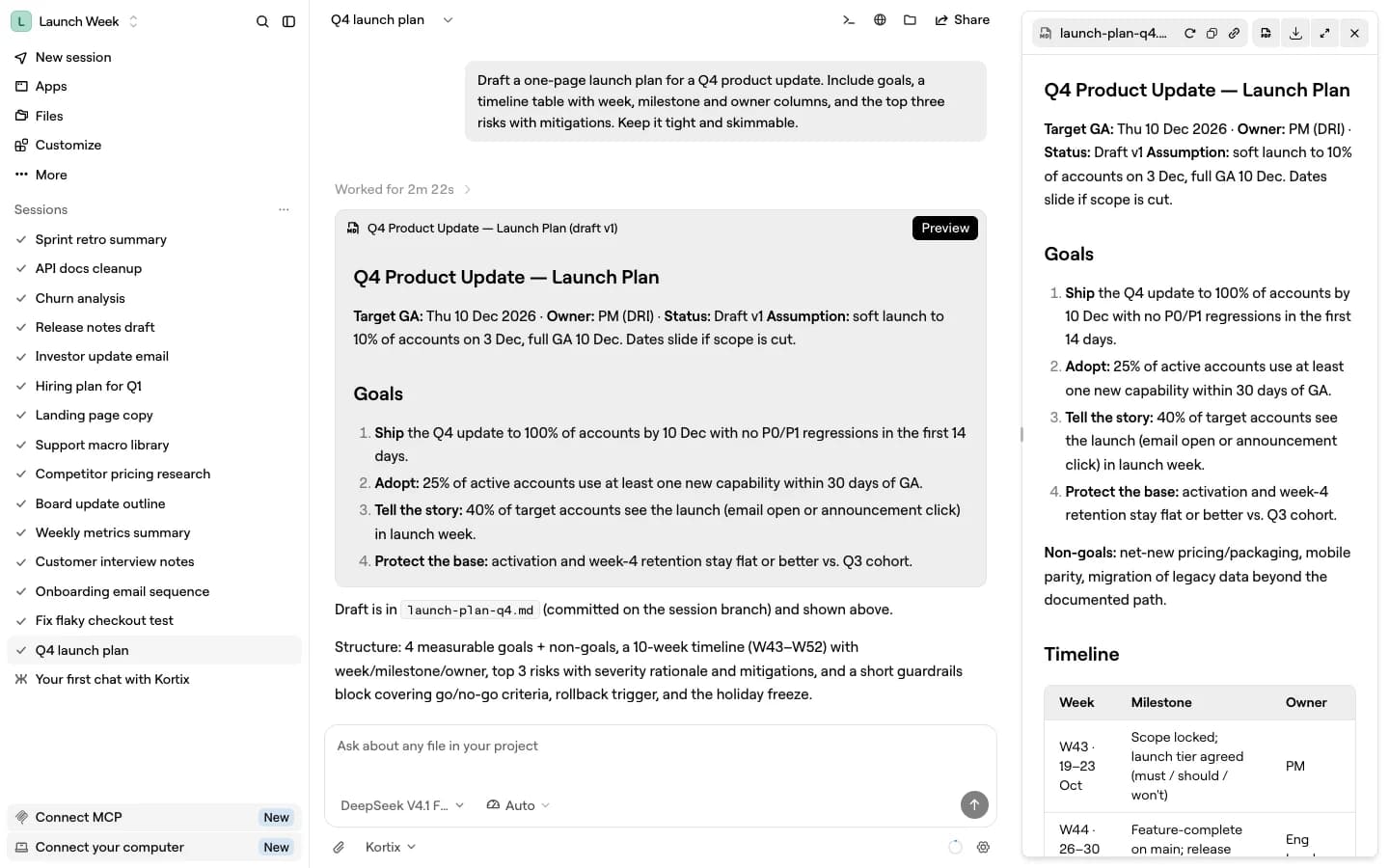
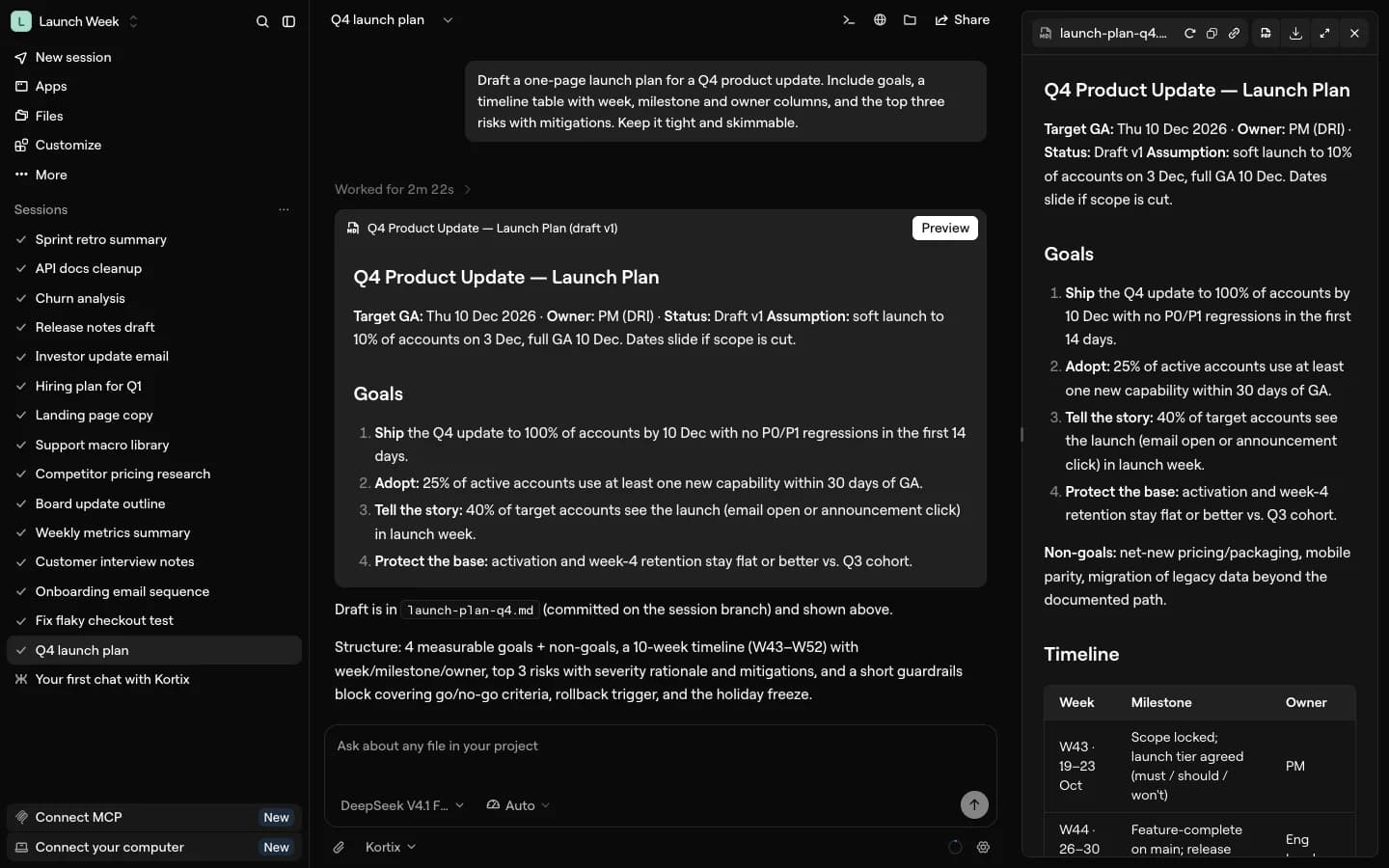
Desktop-App
Kortix auf deinem eigenen Computer mit deinen Dateien und deinem Terminal ausführen. Deinen Computer verbinden
macOS
Universal · 245 MB
- Herunterladen
Windows
64-bit · 124 MB
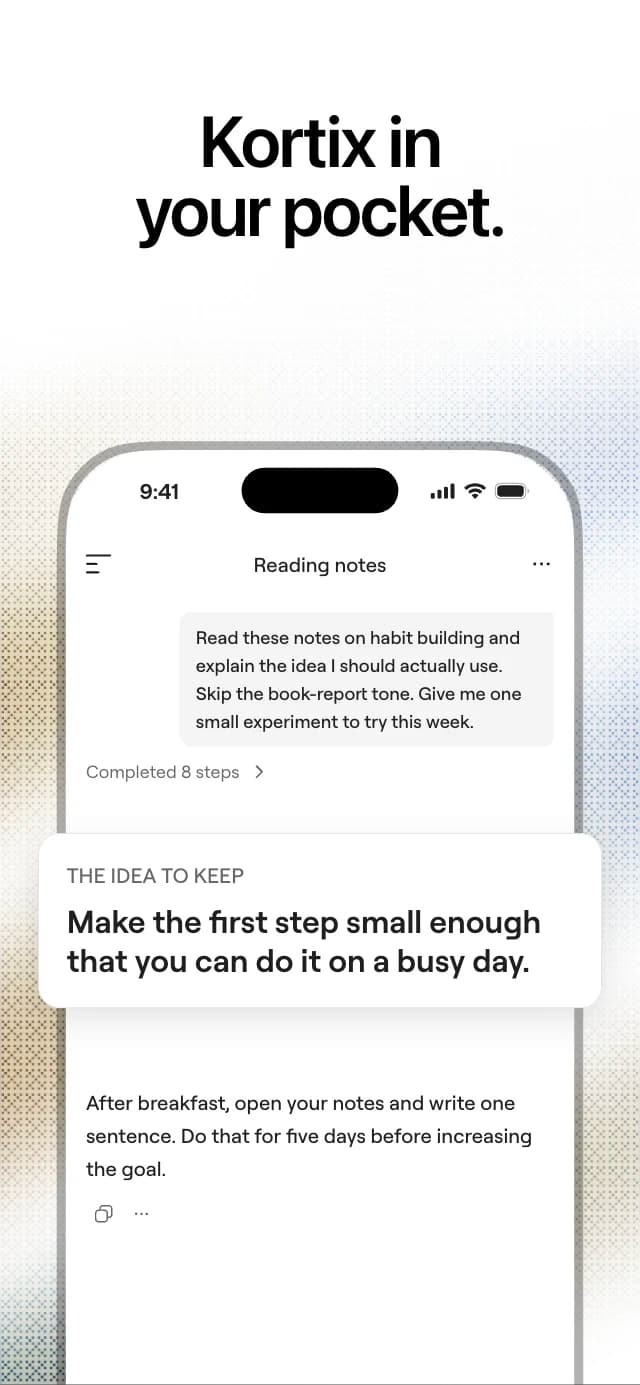
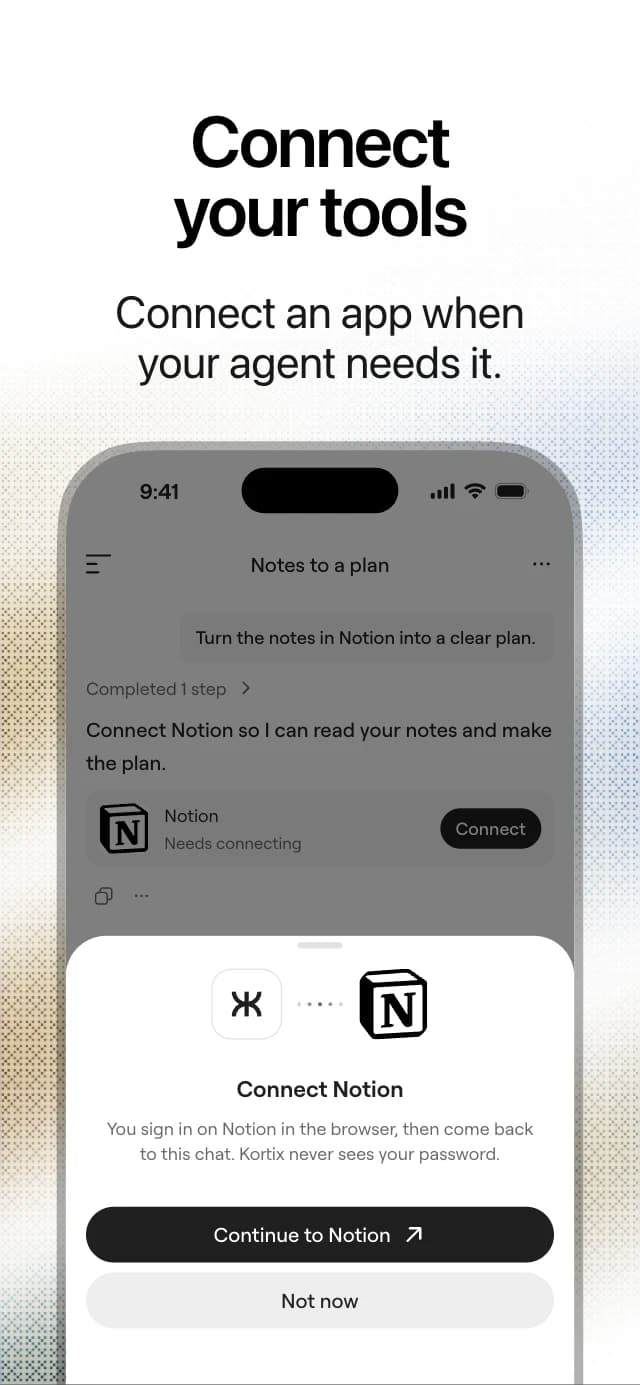
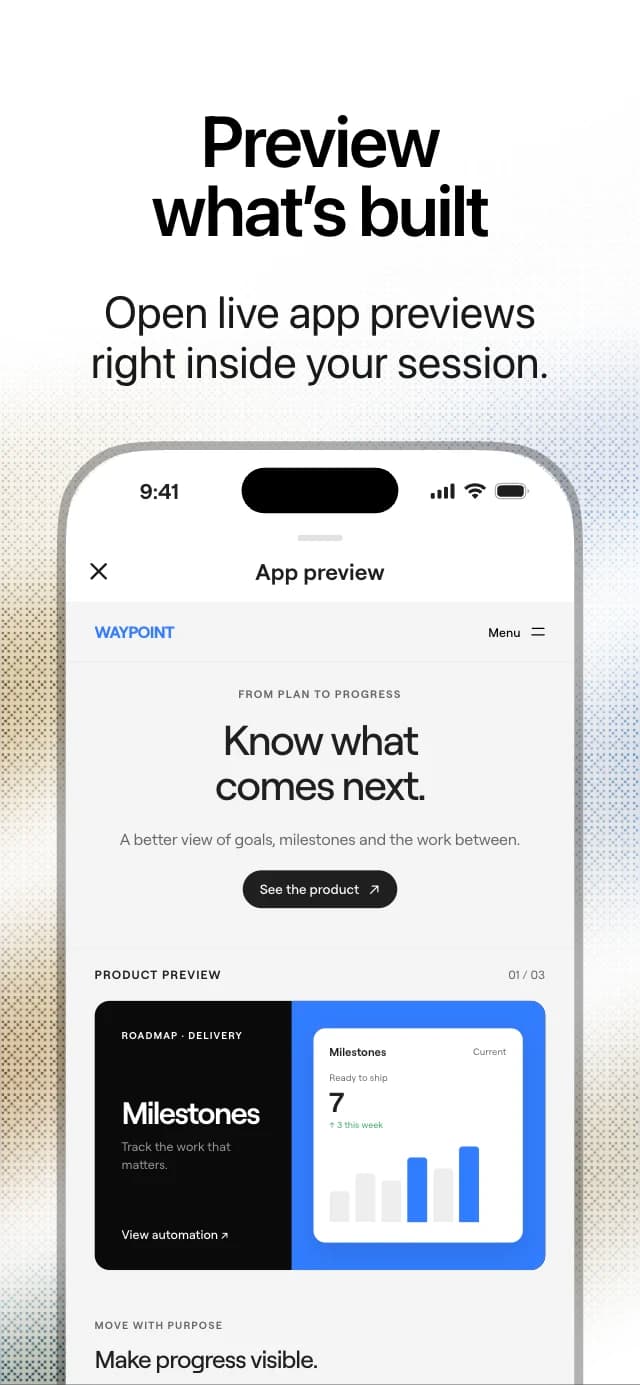
Mobile App
Starte überall eine Sitzung und mache dort weiter, wo du aufgehört hast.
Scannen und App laden
Richte die Kamera deines Handys auf den Code. Er öffnet den App Store oder Google Play.
- Öffnen
iPhone und iPad
App Store
Terminal
Install the CLI and drive Kortix from your shell.
macOS & Linux · WSL on Windowscurl -fsSL https://kortix.com/install | KORTIX_CHANNEL=dev bash